

PRODUCTS & SERVICES
Saga Mobile – Traceability App
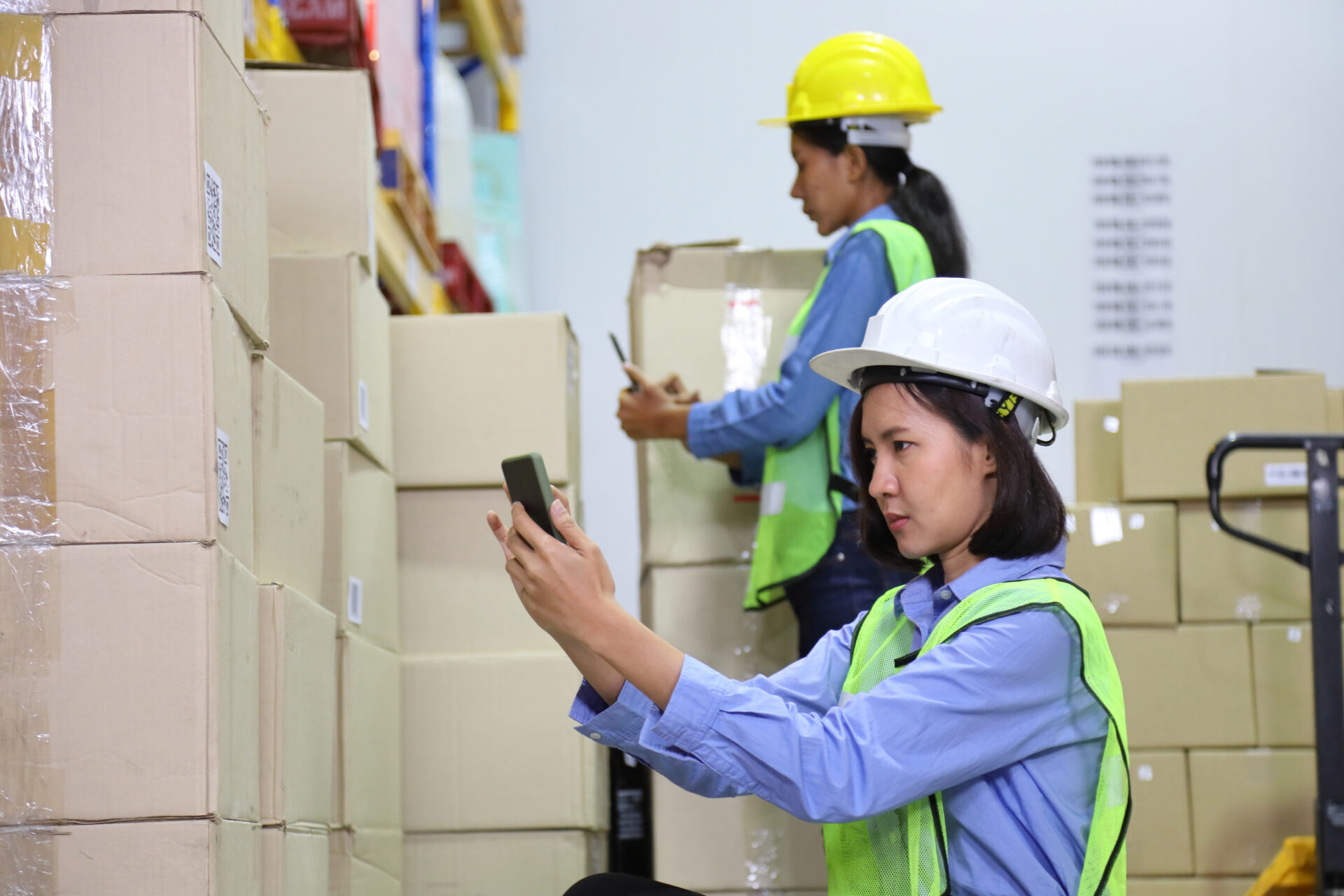
Download PSQR’s latest Saga Mobile app as a companion to your existing Saga software installation for seamless tracking and tracing. Our app is easy to download and customise, thus allowing interaction with Saga installation and capturing supply chain data with handheld devices.
Available on Google Play Store and App Store.

ABOUT SAGA MOBILE
Customisable Traceability App
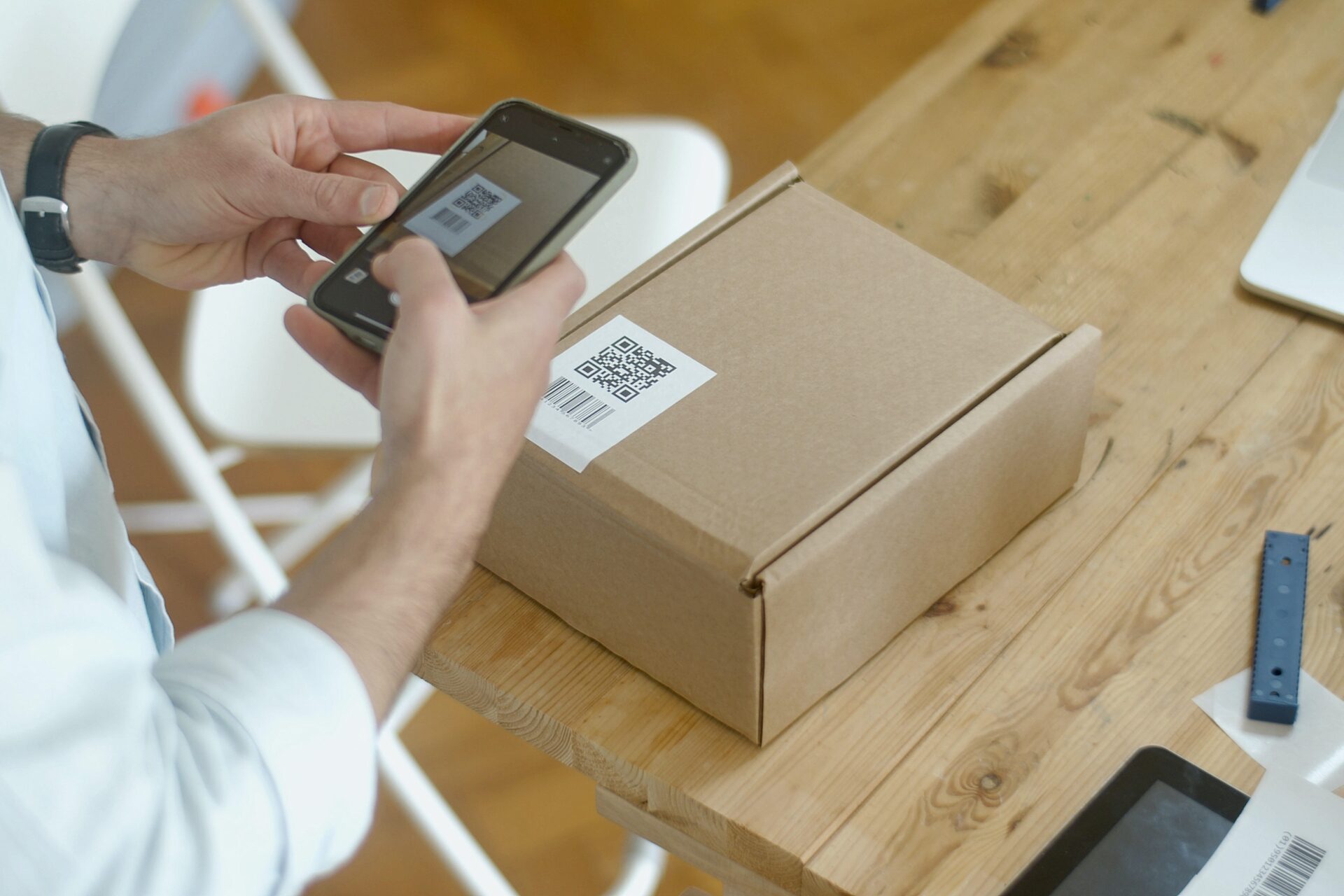
Saga Mobile allows people at different points in the supply chain to collect traceability data by scanning serialised products, raw materials and assets.
The companion app works with all versions of the Saga traceability software. It integrates with Saga modules to add custom data capture and querying methods specific to relevant work processes.
Hence, it enables establishing and querying traceability across the supply chain:
- Capture traceability data
- Report into Saga Edge, Mono, or Enterprise
- Query/Inspect traceability information
Try the app for free:



Saga Mobile and the Mobile Manager Module
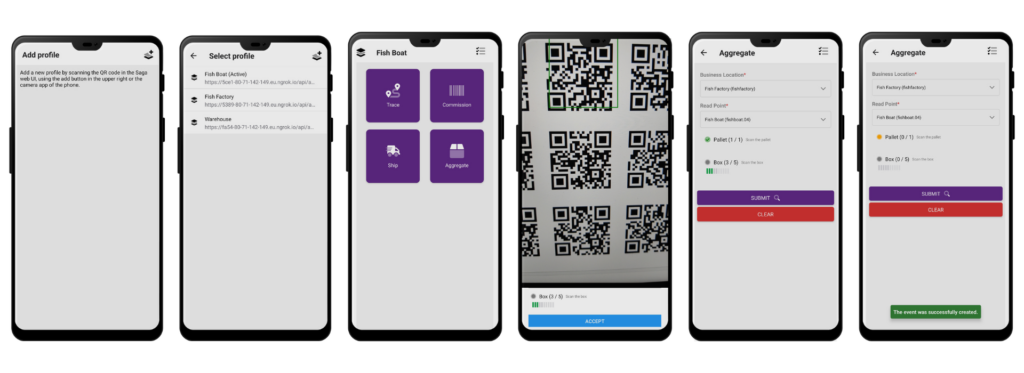
Users can obtain additional customisation through our Mobile Manager extension. In return, this allows the users to manage the app through the Saga UI and easily configure the pages they want to add to the traceability app.
The application can hold profiles for multiple Saga installations. The content of the application depends on the Saga installation associated with a given profile and is manageable using our module.
MODULES
About the Module
The Mobile Manager module for the Saga platform provides an administration panel for the Saga UI that enables the easy configuration of Saga Mobile.
It includes a set of standard pages for different track and trace operations, making it possible to customise the app in multiple fields where the Saga platform can be used.
The application can hold profiles for multiple Saga installations. The module allows the app administrator to define which users or user roles can access each Saga Mobile operation.
Moreover, it includes a set of ready app pages for standard operations such as:
- Aggregation
- Shipping
- Commission
Finally, each page is configurable from the UI to match the specific needs of each solution.
SUMMARY
Saga Mobile Checklist
- An app for handheld devices
- Easy to install on current mobile devices and available in app stores
- Optimises data capturing at key points in the supply chain
- Makes it simple to send data directly to the Saga repository
- Extensible design
- Can be rebranded if required
- Modular technology can be shaped according to compliance, industry or customer needs
- Makes it possible to have Saga features, e.g, tracing, directly on the device
- It includes access control
- Works with camera or IR scanner devices